Citadel
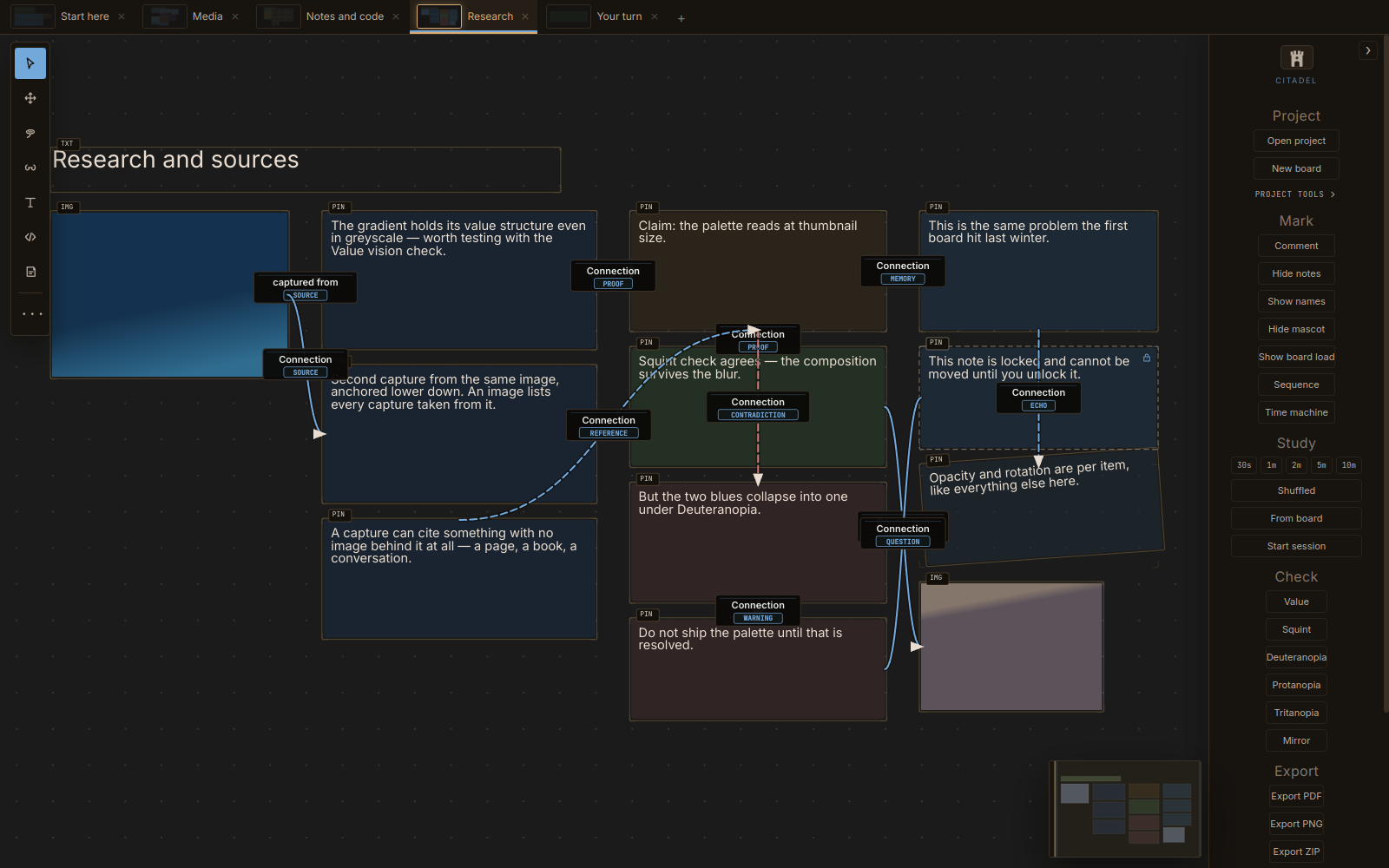
Citadel is a desktop board you fill with the things you are working from: images, video, PDFs, 3D models, notes, code, and then arrange, mark up, connect, and search. It runs on your machine, keeps your files where you put them, and never asks for an account.
What goes on a board
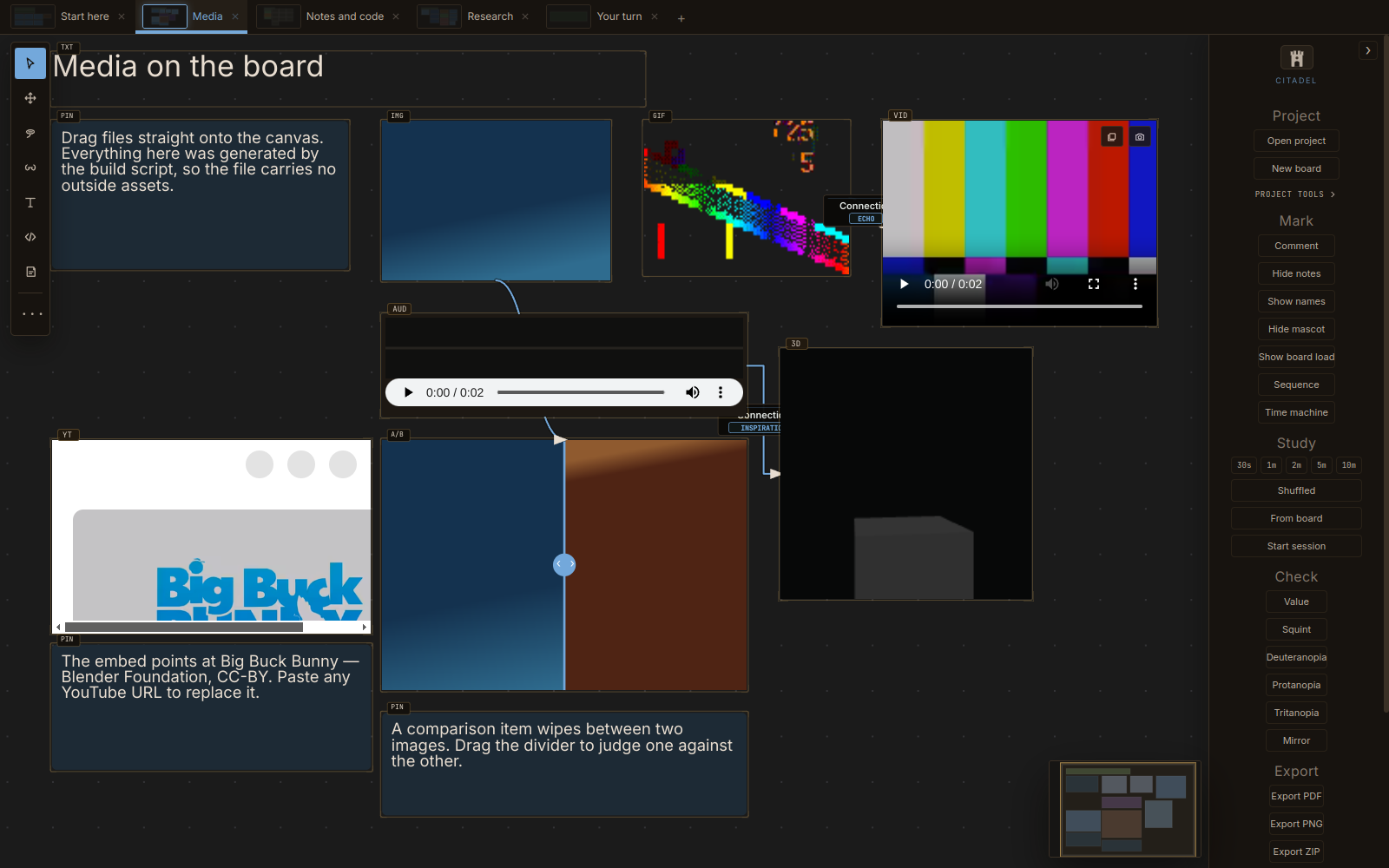
Drag files straight onto the canvas: images, GIFs, video, audio, 3D models and PDFs. Paste a YouTube link, and it embeds. Write text and notes directly. Drop in a Word document, Markdown or a text file, and it arrives as editable text.
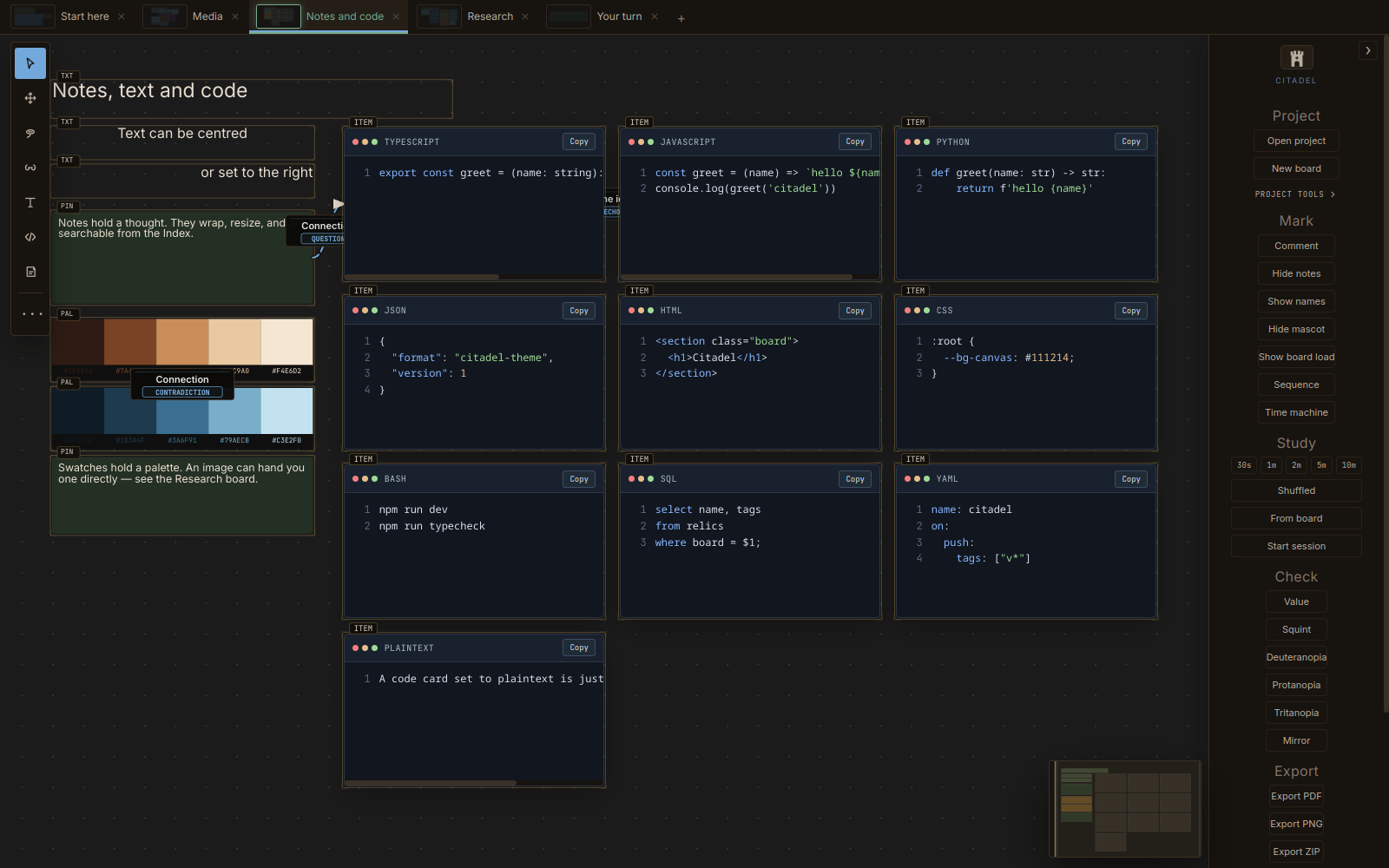
There are code cards with syntax colouring in ten languages, colour swatches, and A/B comparison items that wipe between two images.
What it does that a folder doesn't
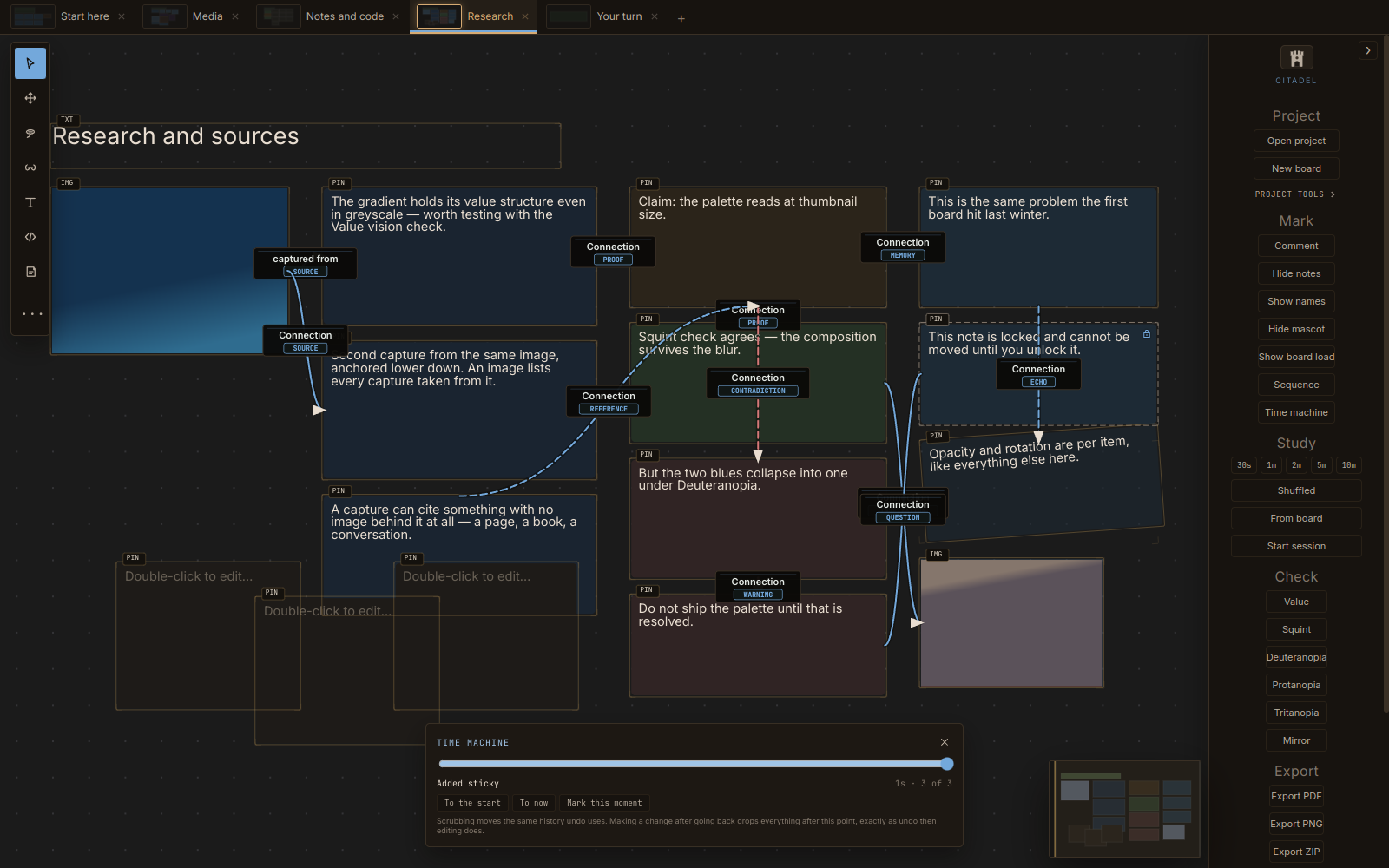
Connections that mean something. Draw a thread between two items and label what it is: a source, a contradiction, a question, a proof. The relationship survives the rearranging.
One search across everything. The Index searches every board at once: items, notes, comments, tags, code contents, and connections. Filter by type, tag, board or source file.
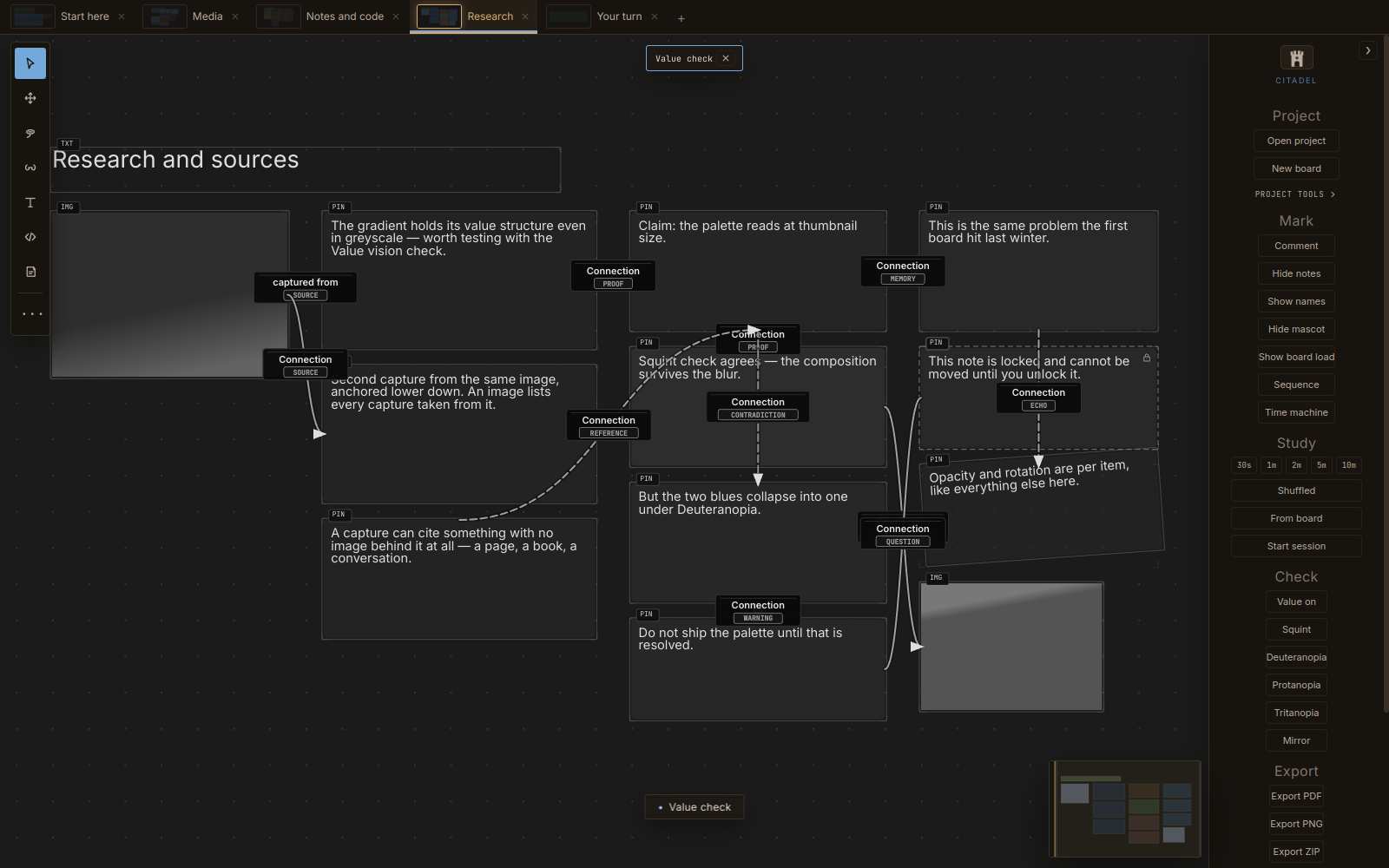
Vision checks. Press Y to redraw the whole board in greyscale, blurred for a squint test, or through three colour-blindness simulations. Shift+M Mirrors it, which surfaces drawing errors the eye has stopped noticing.
Study sessions. Timed reference practice over a queue of items, with pause, skip and your own interval.
A time machine. Scrub the board back through its own history and watch it assemble and disassemble. Every save leaves a thumbnail in the filmstrip.
Draw alongside it. Keep Citadel above your art program, drop its opacity, or turn on click-through so your strokes land in the app underneath.
Getting things back out
Export the viewport, a selection or a whole board as PNG or PDF. Save a portable .citadelz archive that bundles every asset. Or send a board out as one ordinary Markdown file, no plugin, nothing to install on the other side, which drops straight into Obsidian or any editor.
Pull a colour palette out of any reference image, and keep research captures attached to the exact region of the image they came from.
Being straight with you
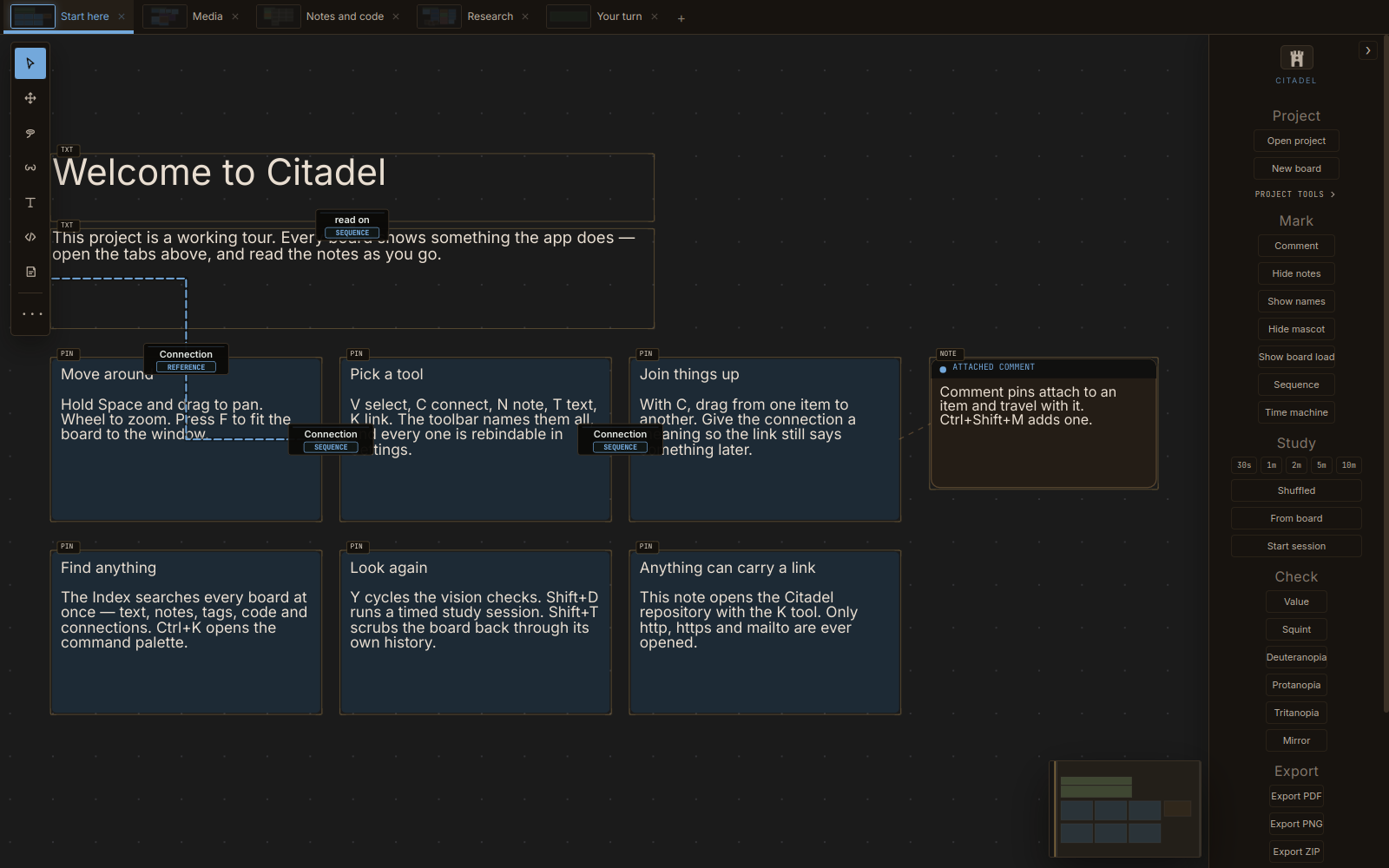
> This is early access. Version 0.2.0, made by one person. It is stable enough that I use it, and there is a guided example project built in that walks you through every part of it.
> Builds are unsigned. Windows SmartScreen will warn you the first time. That is what an unsigned build looks like, not a sign of anything wrong, but you should know before you download rather than after.
> Updates are manual. Citadel makes no outbound request at all, including no update check. Come back here for new versions, or let the itch app handle it.
> What I am committing to: fixing bugs on a reasonable cadence, and reading every feature request. Not a support contract, just what I actually intend to do.
> The source is MIT. If you would rather build it yourself than pay, that is genuinely fine, and the instructions are in the repository.
Download
Click download now to get access to the following files:
Development log
- Small improvements and a demo20 hours ago